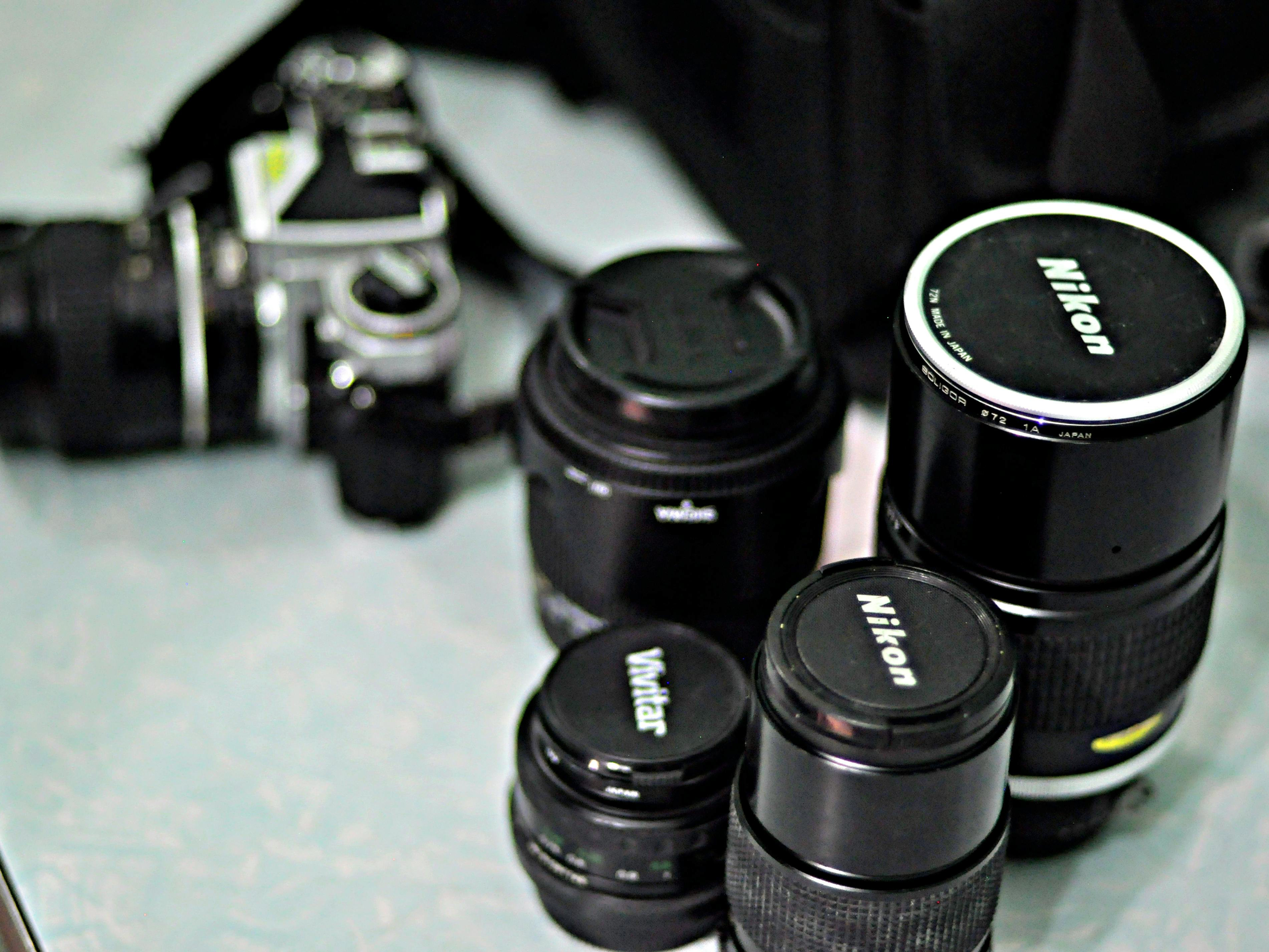
Here at ASP & Co., visual storytelling is more than aesthetics. It’s a method of honoring place, culture, and community. To do that well, we rely on tools that help us communicate clearly, design intentionally, and preserve the integrity of the environments we document. This week, I’m reviewing two tools that support the workflow, especially as our brand continues to develop: Canva, a versatile design platform, and Topaz Photo AI, an advanced photo-enhancement tool that we plan to integrate into our production pipeline.
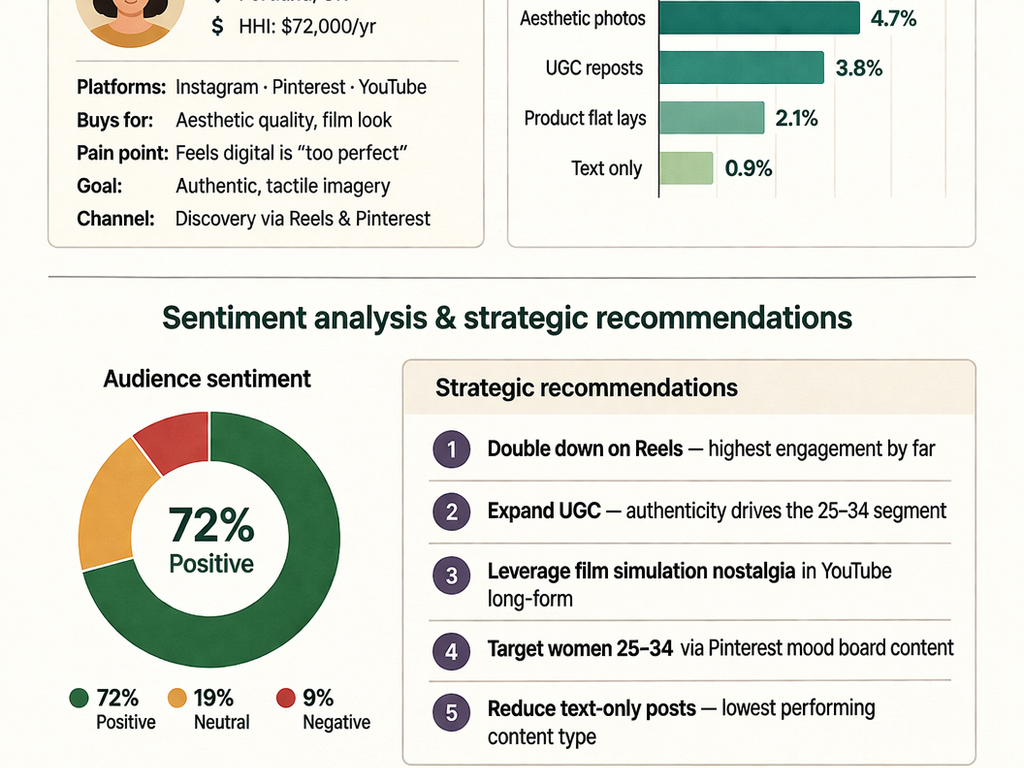
Digital tools continue to shape how audiences consume information, with visual content outperforming text-only communication across nearly every platform (citation). For PR professionals, and especially for creative studios like ASP & Co., these tools help us create visuals that are not only beautiful but strategic.
Tool 1: Canva
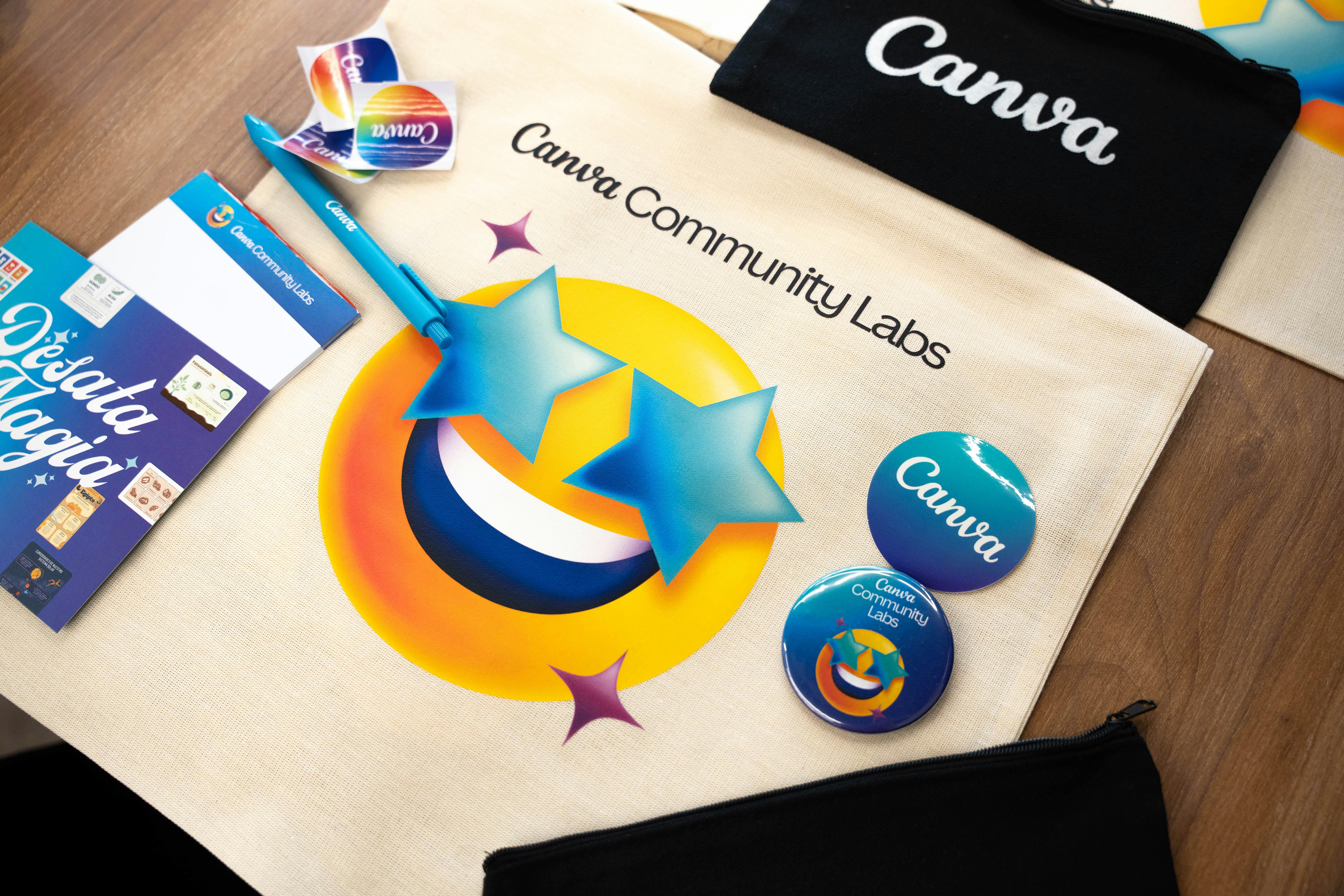
Canva is a design platform used to create graphics, presentations, social media content, pitch decks, and branded materials. For ASP & Co., it serves as our visual communication hub, helping us translate complex ideas into clean, accessible layouts.
How It Works
Canva offers thousands of templates that can be customized with text, images, brand colors, and layouts. Its drag-and-drop interface makes it easy to build polished designs quickly, which is ideal for PR workflows where timing matters.
Why It’s Useful
• Perfect for creating media kits, one-pagers, and campaign visuals
• Supports brand consistency across platforms
• Enables fast turnaround for time-sensitive announcements
• Great for visual storytelling and portfolio curation
For ASP & Co., Canva is where we assemble place-based graphics and portfolios, design our business and client-facing documents, and build social media content that reflects the environments we photograph.
Cost
• Free version includes templates, fonts, and basic tools
• Paid plans offer brand kits, premium templates, and advanced exporting options
Best Features
• Extremely user-friendly
• Large library of templates
• Cloud-based collaboration
• Strong export options for web and print
Worst Features
• Some premium templates require a paid plan
• Mobile app is less precise for detailed design work
• Occasionally slow load times
Device Compatibility
• Desktop: Best for full design projects
• Mobile: Great for quick edits or posting on the go
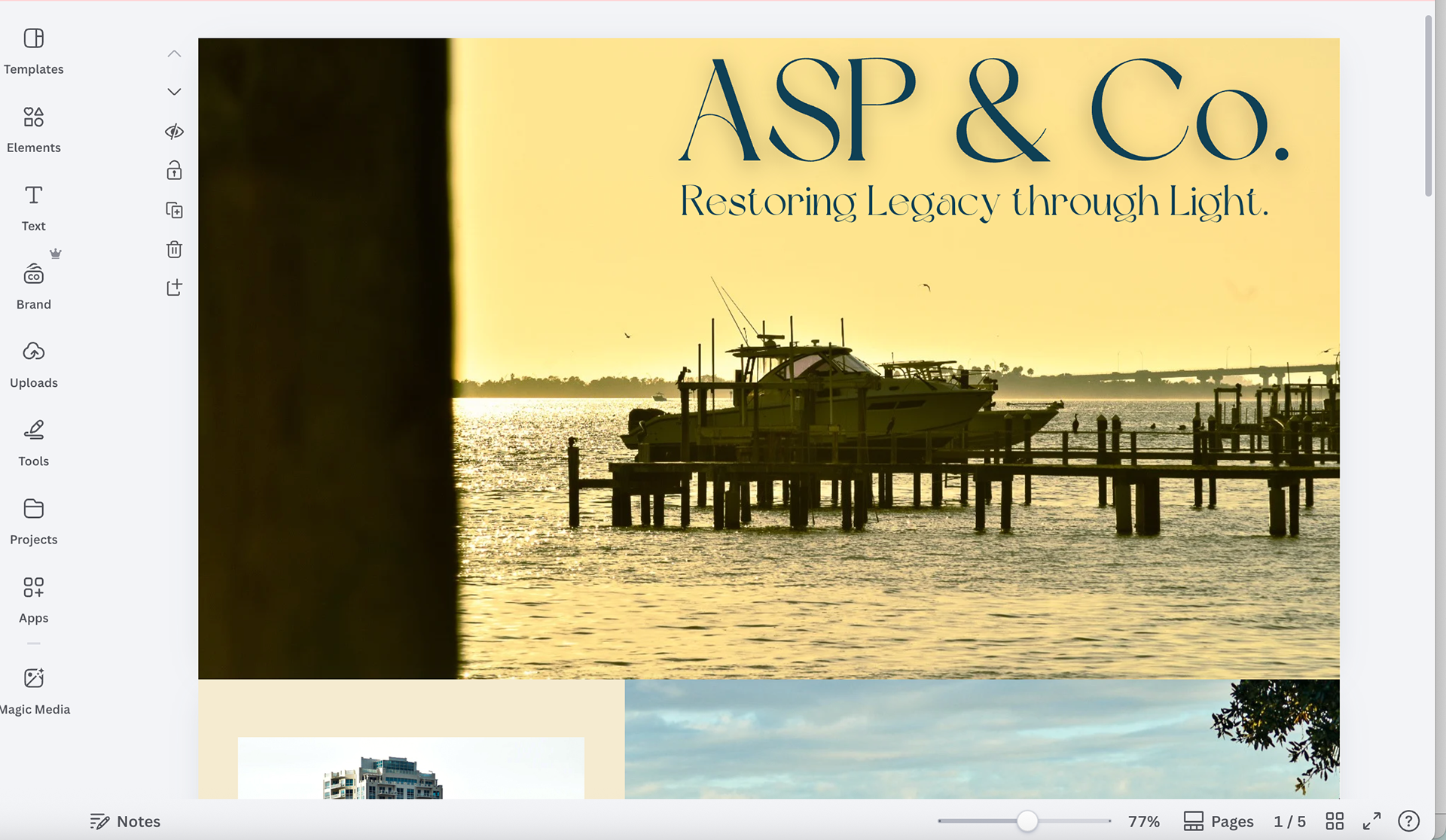
Made our first landing page, depicted above, using Canva.
Tool 2: Topaz Photo AI

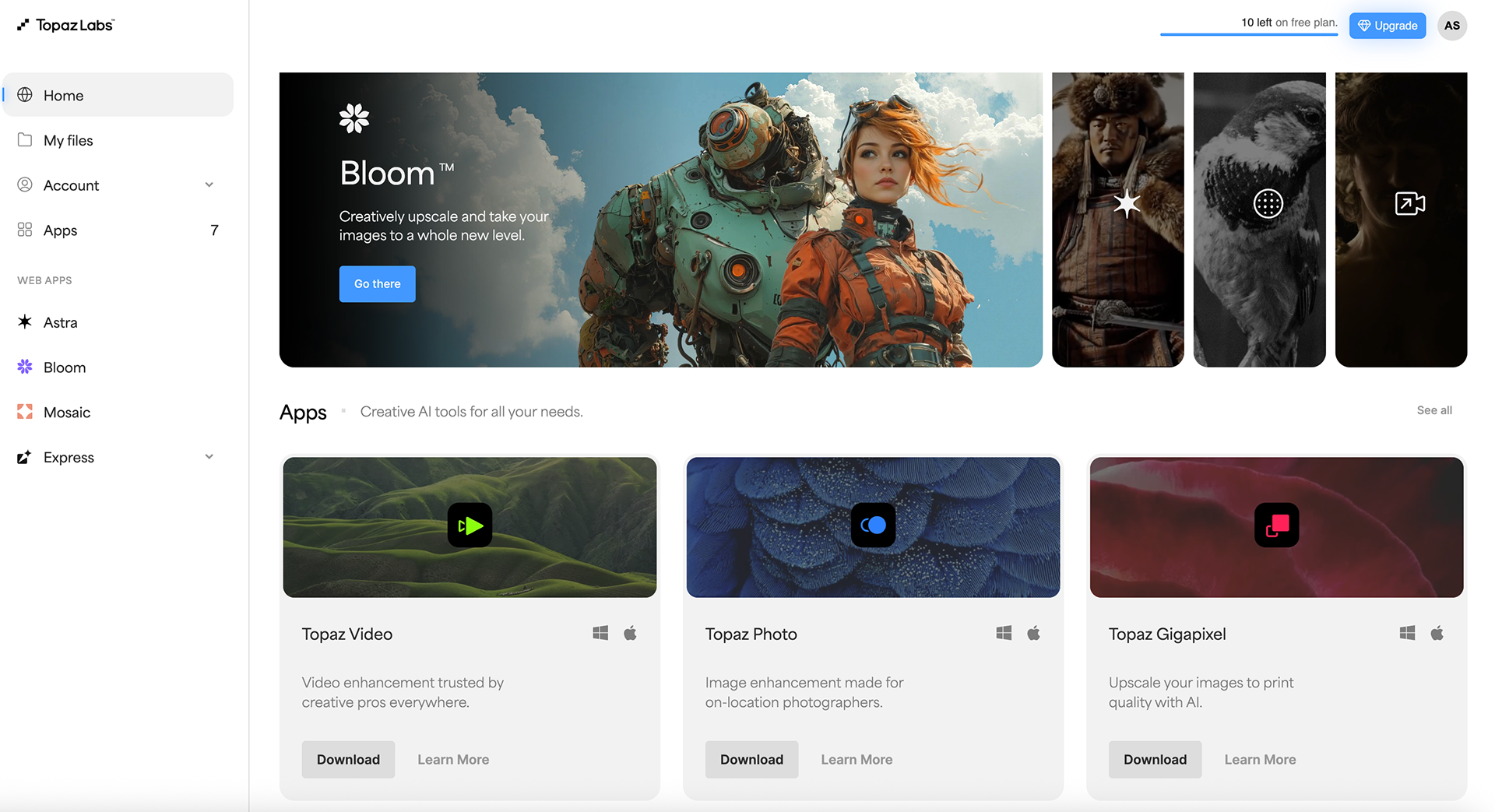
Topaz Photo AI uses machine learning to enhance image quality by reducing noise, sharpening details, and improving resolution. For ASP & Co., this tool will become a key part of our post-production workflow, especially for documentary-style, place-based imagery where clarity and detail matter.
How It Works
Topaz Photo AI analyzes each image and applies targeted enhancements such as:
• Noise reduction
• Sharpening
• Face recovery
• Resolution upscaling
• Lens correction
The AI evaluates the image and recommends adjustments, but users can fine-tune settings for full creative control.
Why It’s Useful
• Ensures images look crisp across digital and print platforms
• Helps maintain quality when cropping or enlarging photos
• Supports consistent visual standards for campaigns and media materials
For ASP & Co., Topaz Photo AI will help us with the following:
• Preserve fine details in environmental and cultural documentation
• Prepare high-resolution images for client portfolios
• Maintain clarity across web, print, and experiential marketing materials
Cost
• Free trial available
• Paid license required for full functionality
• Annual upgrades available
Best Features
• Exceptional noise reduction
• Smart sharpening without artifacts
• AI-powered upscaling for large prints
Worst Features
• Requires a strong computer for fast processing
• Full version is not free
• AI recommendations sometimes need manual adjustment
Device Compatibility
• Desktop only: macOS and Windows
• No mobile versions, but integrates well with Lightroom and Photoshop
Conclusion
Canva and Topaz Photo AI support two essential sides of ASP & Co.’s practice: design clarity and image integrity. Canva helps us brand ourselves cohesively and communicate visually with clients and audiences, while the future integration of Topaz Photo AI will strengthen the technical quality of our images that anchor our place-based storytelling. Together, they help us create work that is both strategic and deeply rooted in the environments we document.
References
Han, L. (2024). The rise of digital media: Transforming communication, culture, and commerce. Global Media Journal, 22, 72.
Canva. (2024). Plans and pricing. https://www.canva.com
Topaz Labs. (2024). Topaz Photo AI overview. https://www.topazlabs.com